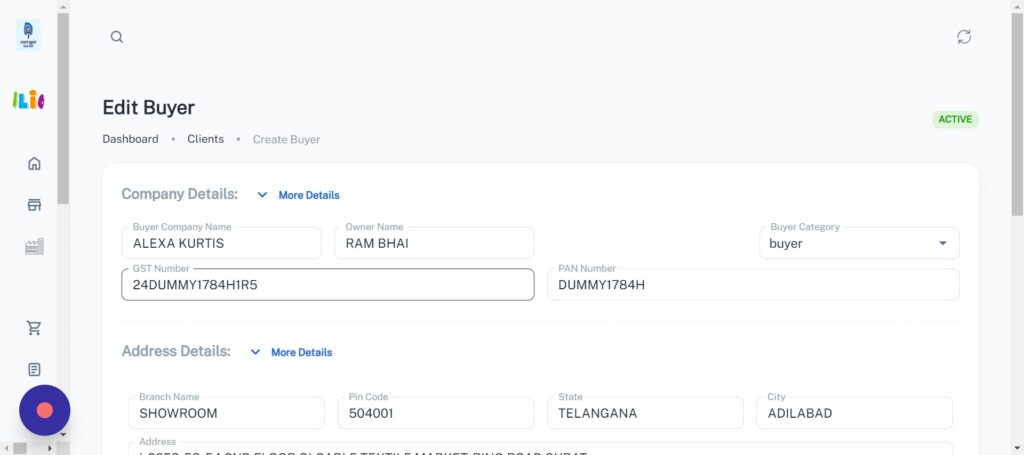
Your account adding clients , And you forgot to check client duplicacy. Then here is the solution.
Here it will detect duplicate client with the referral of GST number or PAN number and make you to edit that page as not to make new client.
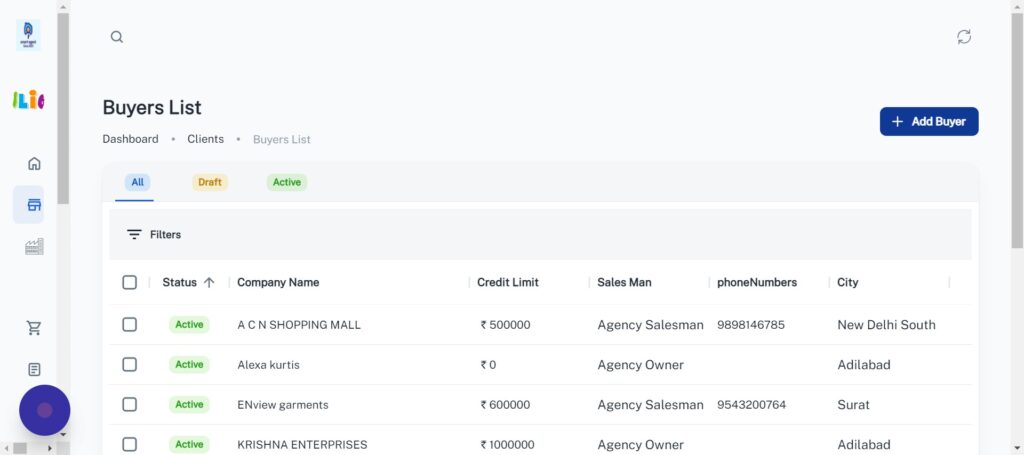
As You are making new client with the name of “KRUTIK” and GST number of “24DUMMY1784H1R5”. But this GST number is already used with one client in your list. It will check in your list and pop up with “Duplicate Client Alert”.
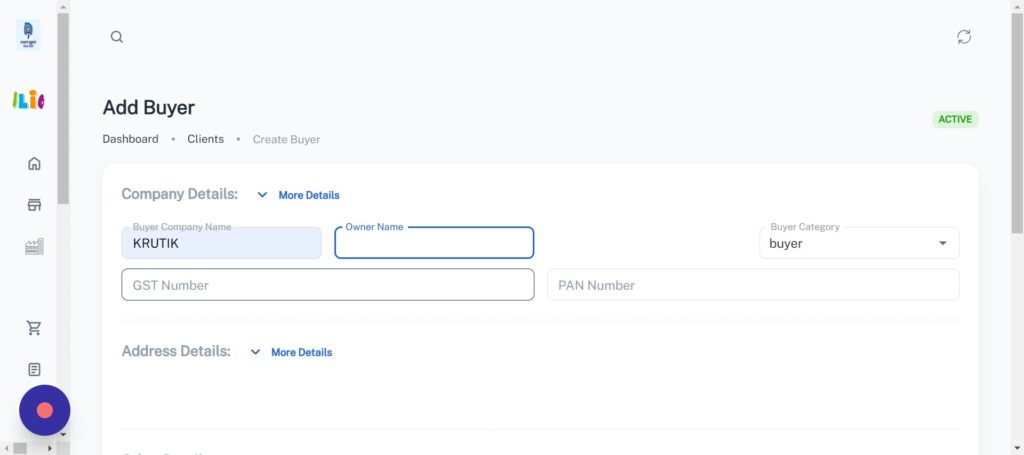
This Alert box shows you The Existing client who used the GST number “24DUMMY1784H1R5” and after clicking on the client name we will be redirected to the editing page of that client with existing GST number. Here you can Edit your data with same GST number without making new client (Duplicate client).
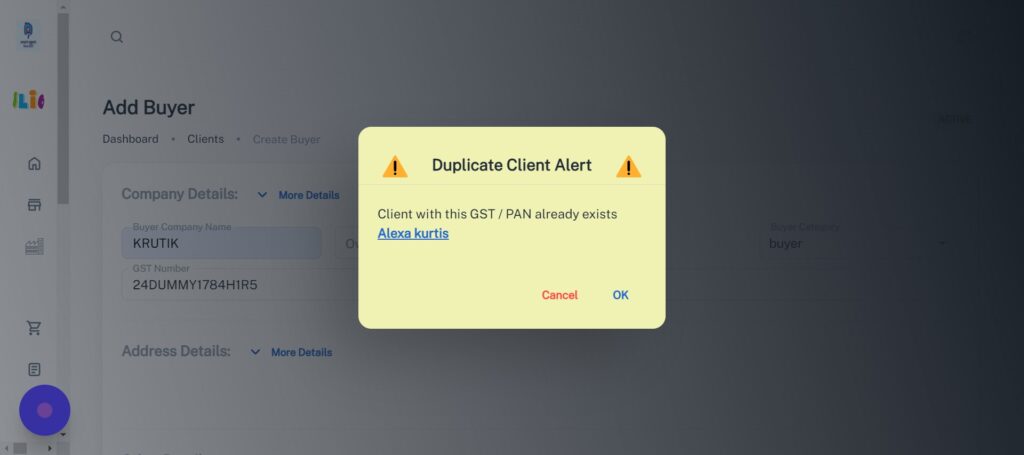
Or if the GST number were not added , it will check with PAN number. For “DUMMY1784H” PAN number and if there duplicacy detected, It will done process with this and show alert.