
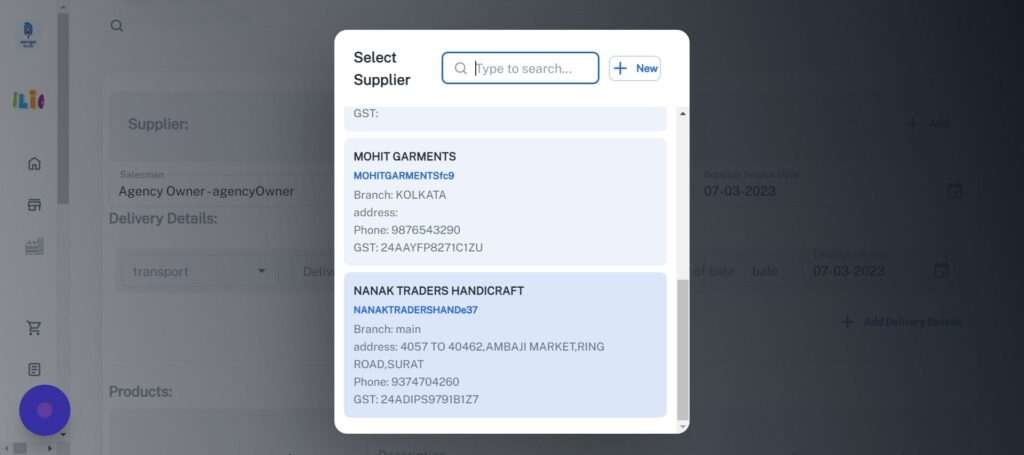
Problem is to making every time new invoice with same buyer and supplier for the same order, This will generate new invoice but it will give Invoice duplicacy. On the bases of supplier invoice Number it will detect duplicacy and alert you.
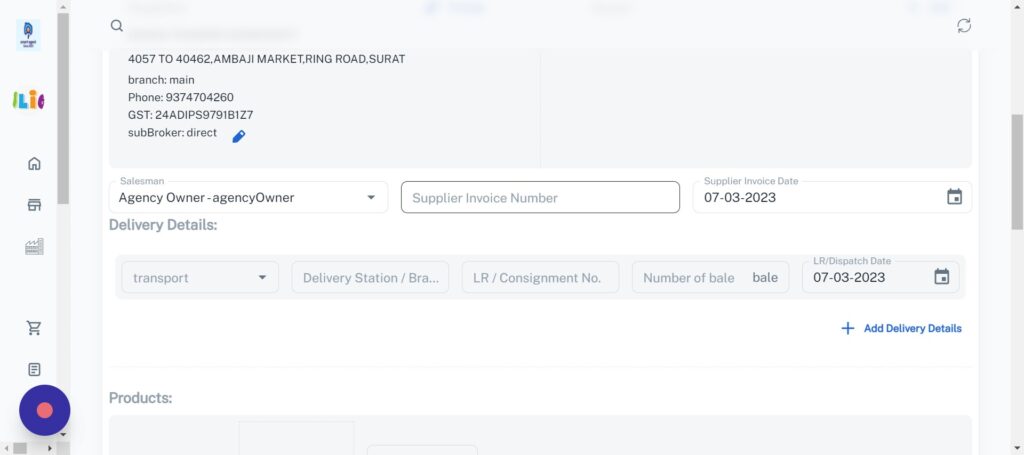
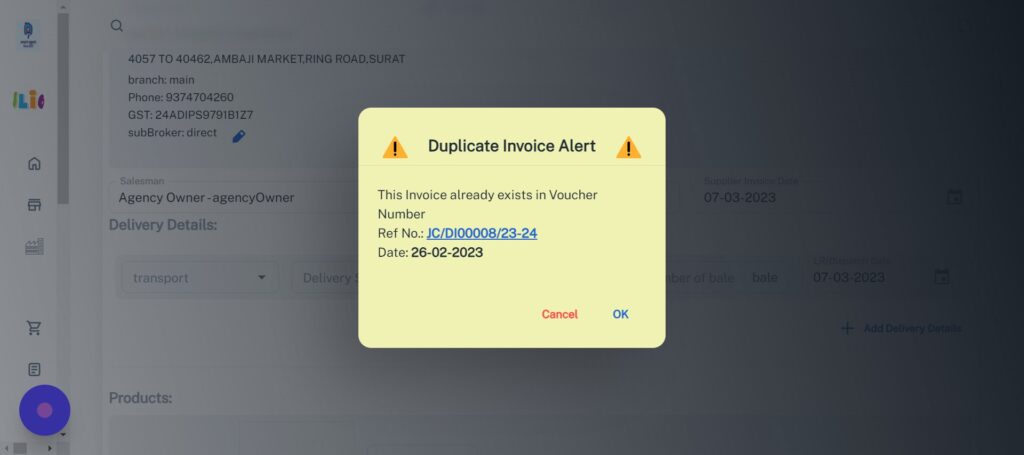
If Making new then click OK it will remove your entered code and you can write new one.
Or You want to run with same code for new Product you can ignore the alert and cancel it.
You can Edit the existing invoice by clicking on shown alert as blue text – Ref No. , It will redirect you to editing page of that invoice.
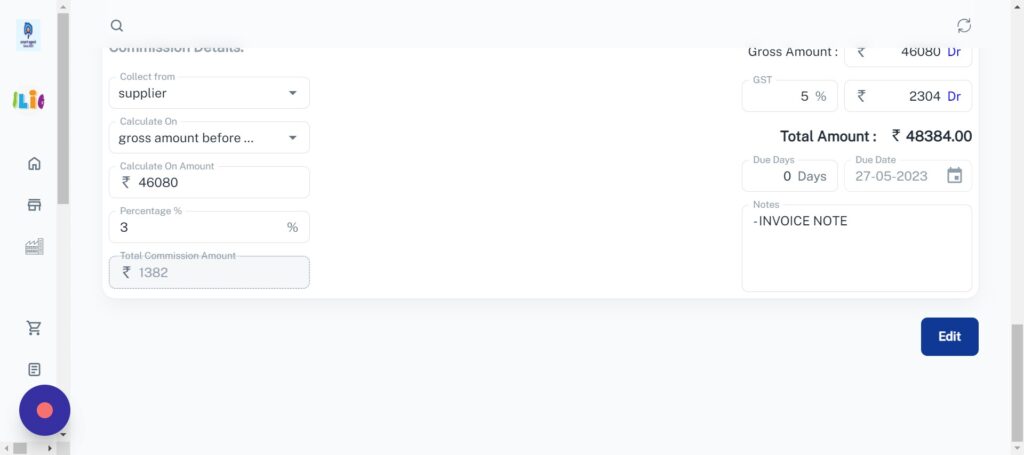
After done with Editing Just click on “Edit” , It will generate new invoice with your edited part And there is no duplicacy generated.
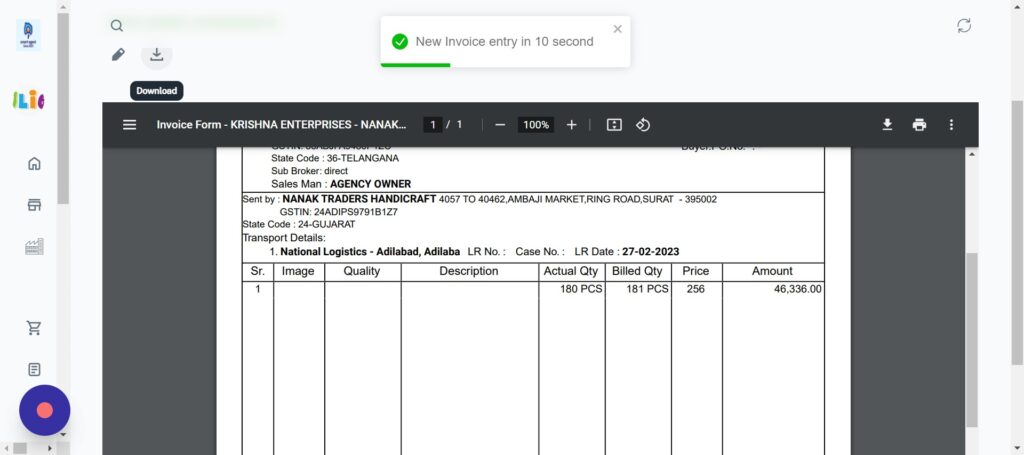
This invoice only shown up for 10 seconds then You have to download manually, otherwise just hover on pop-up of New invoice Entry to stop.